How to Register Your Company Profile in Adesio
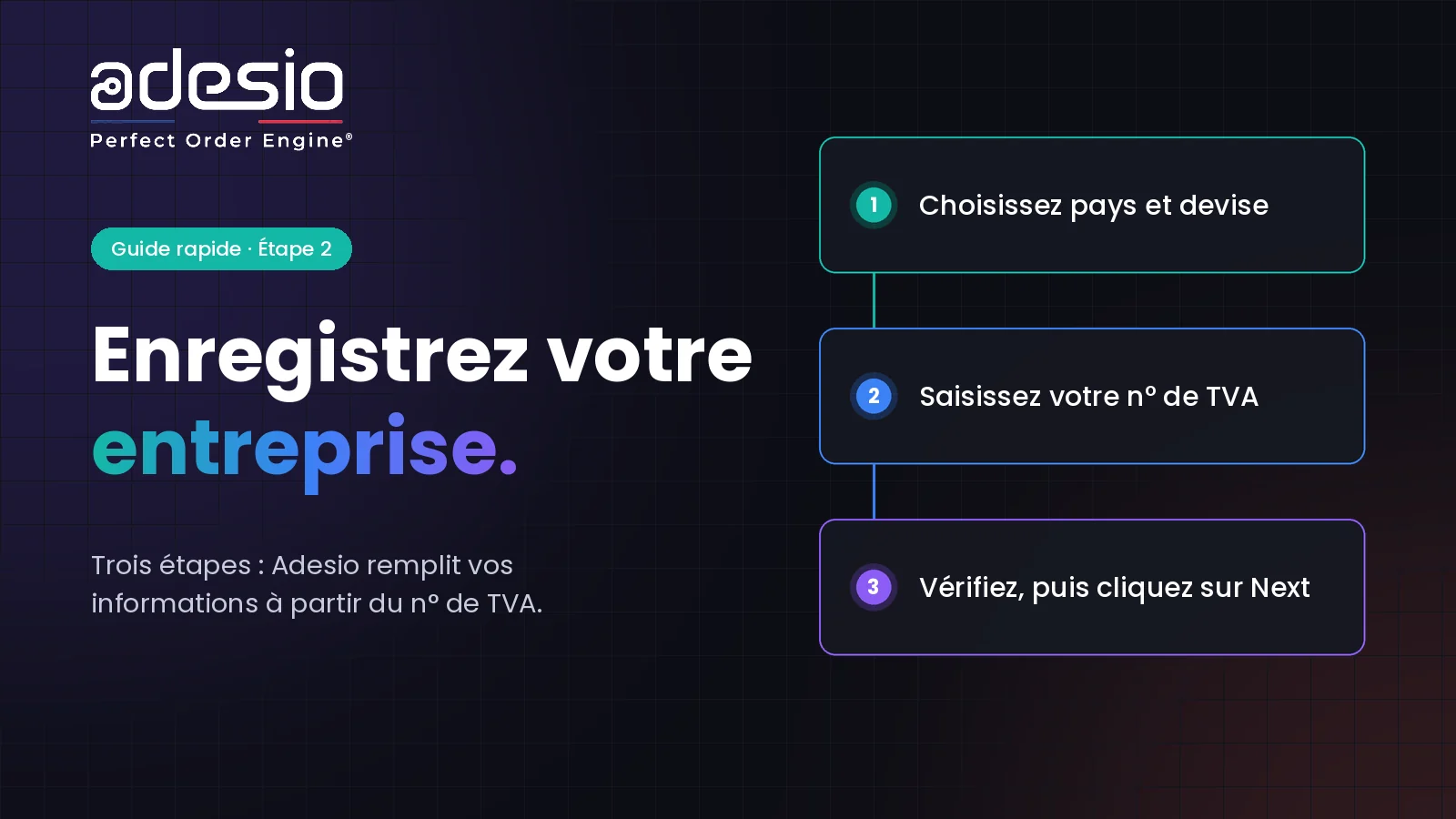
Every quote request and purchase order you send through Adesio carries your company’s legal identity. Suppliers need the right legal name, address and VAT number on every document, and a typo can delay an order or an invoice. That’s why, right after creating your account, Adesio asks you to register your company profile. It takes a minute, because Adesio fills in most of it for you.
Before you start
Have one of these ready:
- Your VAT number, if your company is based in the European Union.
- Your company identification number, if your company is based outside the EU.
Register your company in 3 steps
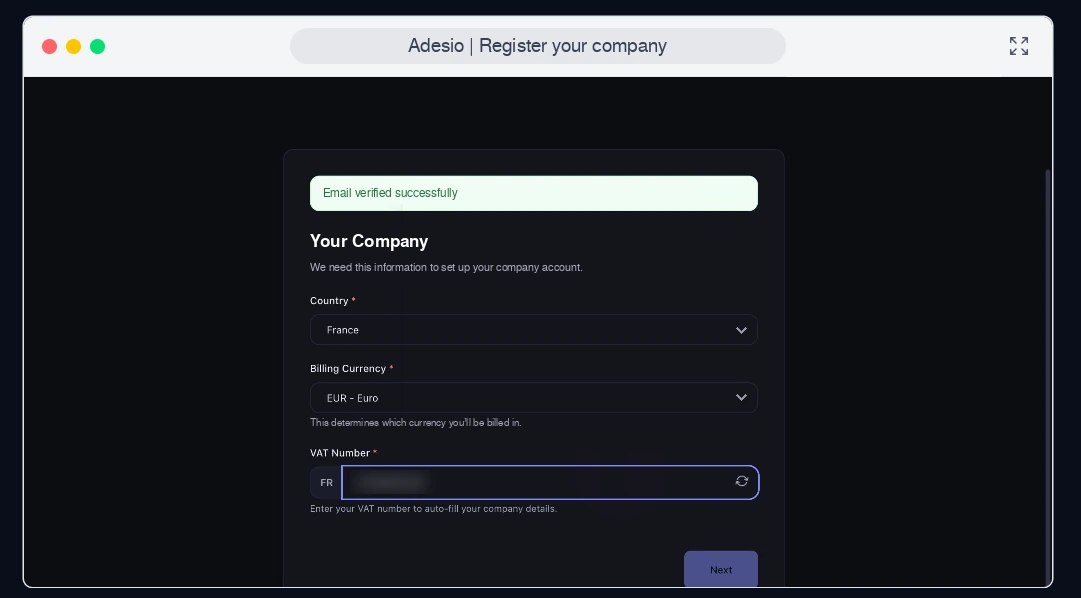
- Select your country and billing currency. The currency is the one you’ll be billed in.
- Enter your VAT number. For European companies, Adesio checks the number against VIES, the European Commission’s VAT validation service, and fills in your legal company name and registered address automatically. If the details don’t appear, click the refresh icon next to the field. Outside the EU, enter your company identification number instead.
- Check the details and click Next to save.
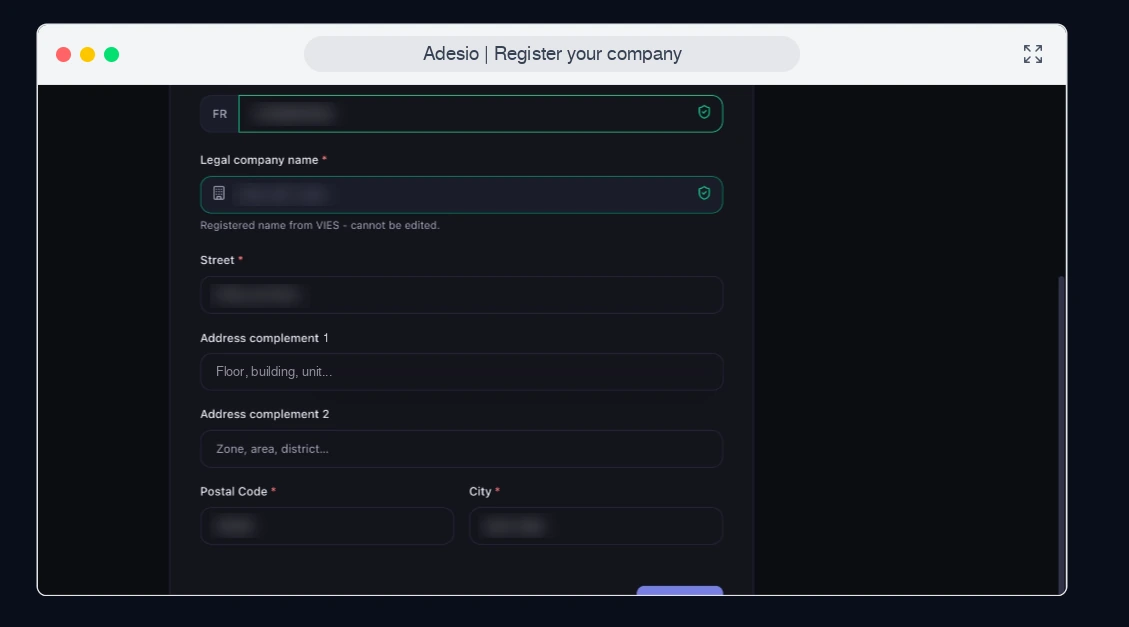
What to check before you click Next
- Legal company name: it comes from the VIES register and can’t be edited, so your documents always match your official registration.
- Address: check the street, postal code and city. Add a floor, building or unit in the address complement fields if your deliveries need it.
- Billing currency: choose the currency your company uses to pay its suppliers.
If your VAT number isn’t recognised
- Check the format: enter the number without spaces; the country prefix (such as FR) is added automatically.
- Make sure the number is active in the EU’s VIES register.
- Still blocked? Contact our support team at support@ades.io.
Adesio | contact@ades.io | +33 2 59 16 05 56
- #Onboarding
- #Procurement Automation
- #Suppliers & ERP Integration
Frequently asked questions
Why does Adesio need my VAT number?
Adesio uses it to fill in your company details automatically from VIES, the EU VAT validation system. It also ensures your correct legal identity appears on every quote request, purchase order and invoice.
My company is outside the EU. What do I enter?
Enter your company identification number instead of a VAT number, then complete your company details manually.
Can I change my company details later?
Yes. You can update your address, contact email and billing contact in your account settings. To change the legal entity name synced from VIES, contact support@ades.io.
Discover the Perfect Order Engine®
See how Adesio turns your complex BOMs into purchase orders, using your own data.
Related articles
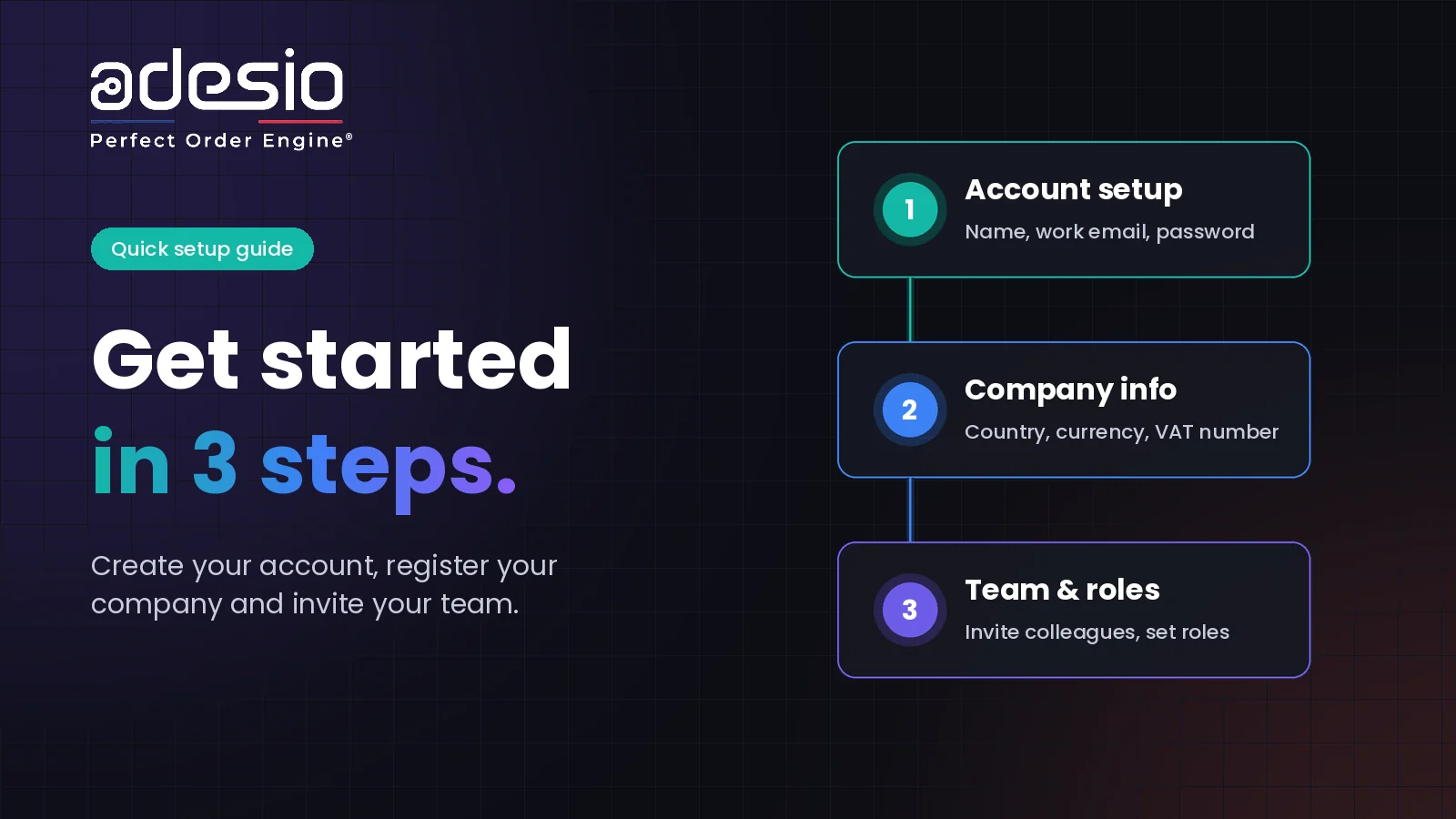
Getting Started with Adesio: Quick Account Setup
Set up your Adesio account, how to register your company, and invite your team step-by-step.
- #Onboarding
- #Procurement Automation
- #Suppliers & ERP Integration
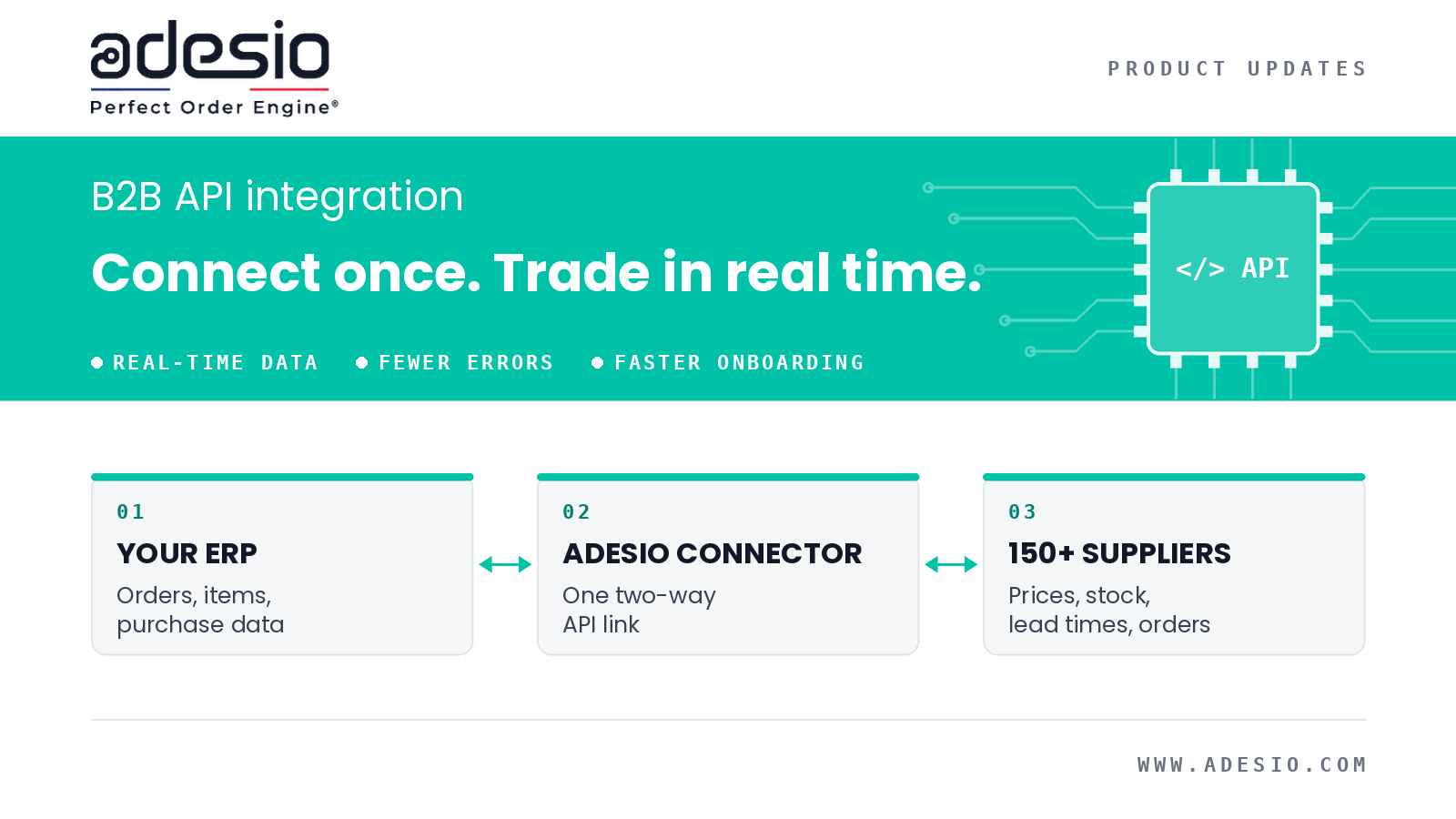
How APIs Accelerate B2B Integration in Electronics Procurement
APIs let buyers, suppliers and ERPs exchange prices, stock and orders in real time, without emails or re-keying. Here’s how B2B API integration works, how it compares with EDI, and how Adesio Connector applies it to electronics procurement.
- #Procurement Automation
- #B2B API Integration
- #Suppliers & ERP Integration
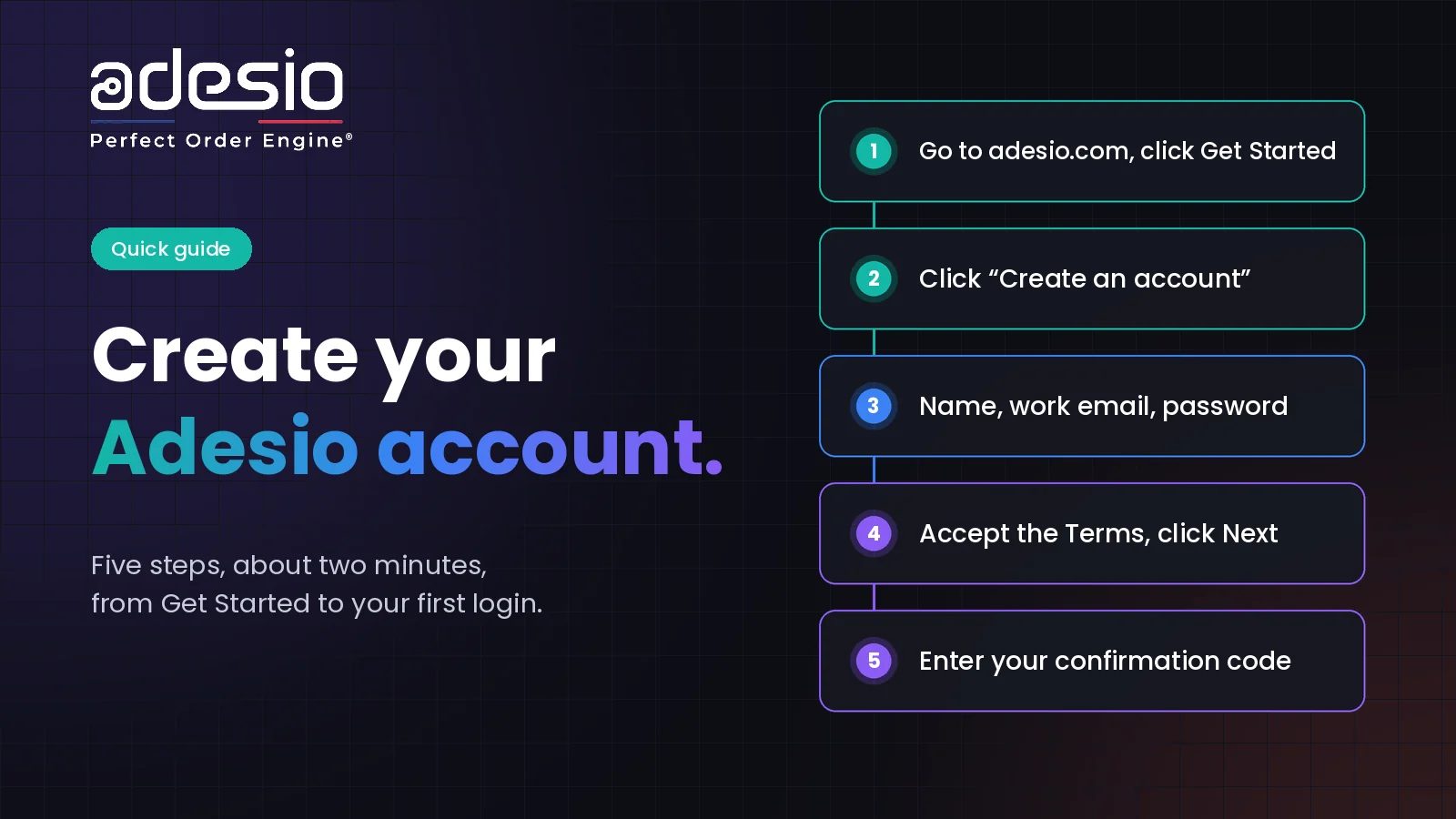
How to Create Your Adesio Account
Create your Adesio account in five steps, from the Get Started button to the confirmation code, with tips and troubleshooting.
- #Onboarding
- #Procurement Automation
- #EMS & OEM Solutions