What Is Part Check? A Free, Instant Check for Any Electronic Component
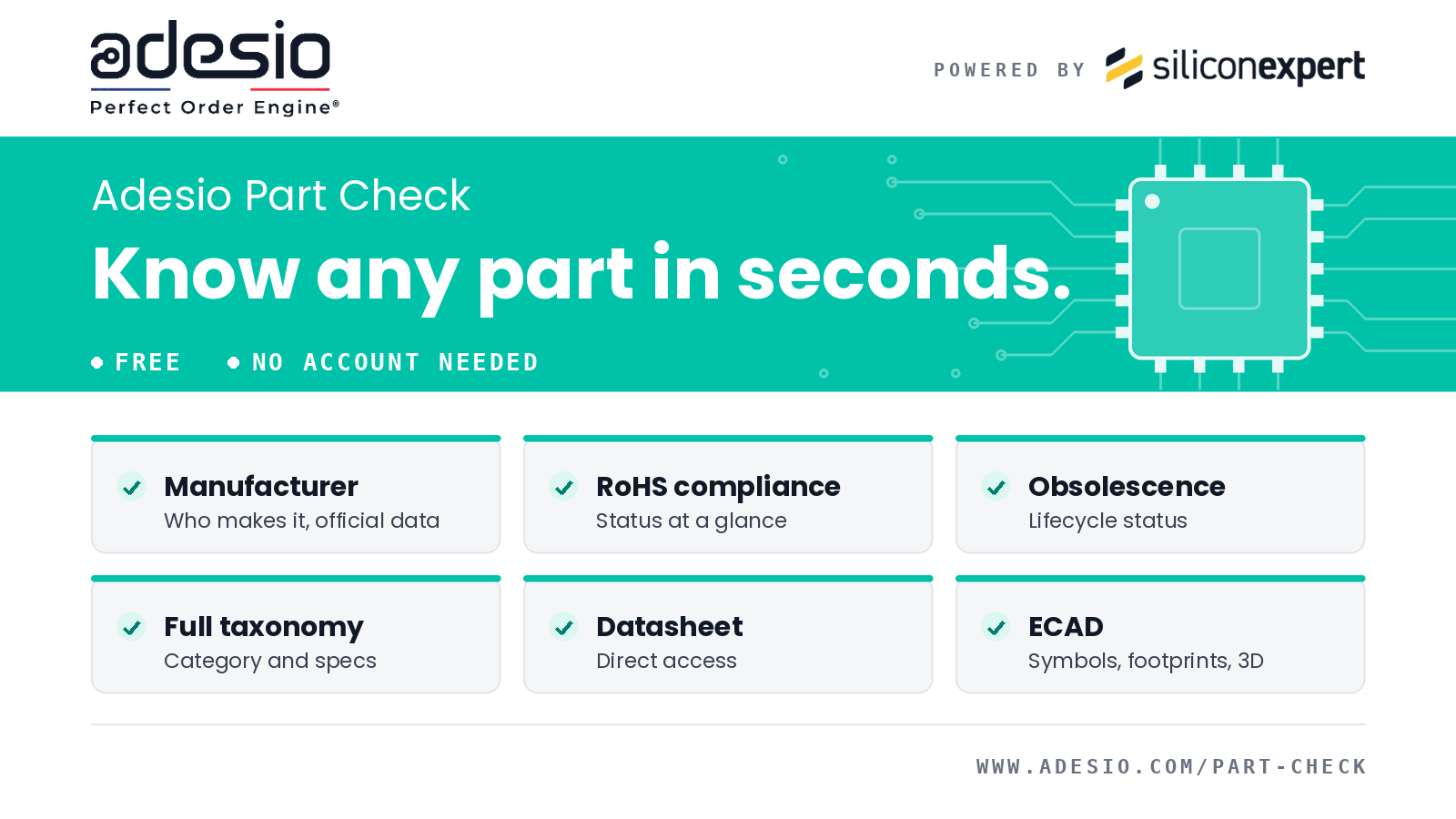
Before you add a part to a design or place an order, you need quick answers. Who makes it? Is it RoHS compliant? Is it still in production? Where is the datasheet? Is there a CAD model? Finding all of this usually means opening several distributor sites and manufacturer pages. Part Check gives you the answers in one place, in seconds, for free.
What is Part Check?
Part Check is a free electronic component check by Adesio. It is the quick-analysis module of Critical Parts Intelligence (CPI), Adesio’s engine for analysing electronic components, and its data comes from our partner SiliconExpert.
You don’t need an Adesio account: go to www.adesio.com/part-check, enter a part number and read the results.
What Part Check shows you
- Manufacturer information: who makes the part, with the manufacturer’s official data.
- RoHS compliance: whether the part meets the EU rules on hazardous substances.
- Obsolescence status: where the part is in its lifecycle, from active to end of life.
- Full taxonomy: the part’s category and classification, so you can compare like with like.
- Datasheet access: a direct link to the manufacturer’s datasheet.
- ECAD availability: whether symbols, footprints and 3D models exist for your design tools.
How to use Part Check
- Go to www.adesio.com/part-check.
- Enter the part number you want to check.
- Read the results: manufacturer, RoHS, obsolescence status, taxonomy, datasheet and ECAD, on one page.
When to use it
- During design, to choose parts that are compliant and not close to end of life.
- Before an order, to make sure nothing has changed since the part was chosen.
- When a supplier proposes an alternate, to check it before you accept it.
- When you review an old BOM, to spot a part that has become obsolete.
Part Check or CPI?
Part Check answers a quick question about one part, instantly and for free. Critical Parts Intelligence goes further: it analyses your critical parts in depth, with pricing from several sources and alternates, ready for quotes and orders. See the full comparison in Part Check vs CPI: what’s the difference?
Try Part Check now
Check your first part for free at www.adesio.com/part-check.
- #Component intelligence
- #Obsolescence & shortages
- #Onboarding
Frequently asked questions
What is Part Check?
A free, instant analysis of a single component. It shows RoHS status, lifecycle and obsolescence data, datasheets, ECAD model availability and manufacturer information. Part Check is the free entry point to CPI.
Part Check est-il vraiment gratuit ?
Oui. Part Check est gratuit, et vous n’avez pas besoin de compte Adesio pour l’utiliser.
What’s the difference between Part Check and CPI?
Part Check qualifies one part in seconds, before you design it in or order it. CPI analyses your critical parts in depth, with pricing from several sources and alternates. Read the comparison.
Discover the Perfect Order Engine®
See how Adesio turns your complex BOMs into purchase orders, using your own data.
Related articles
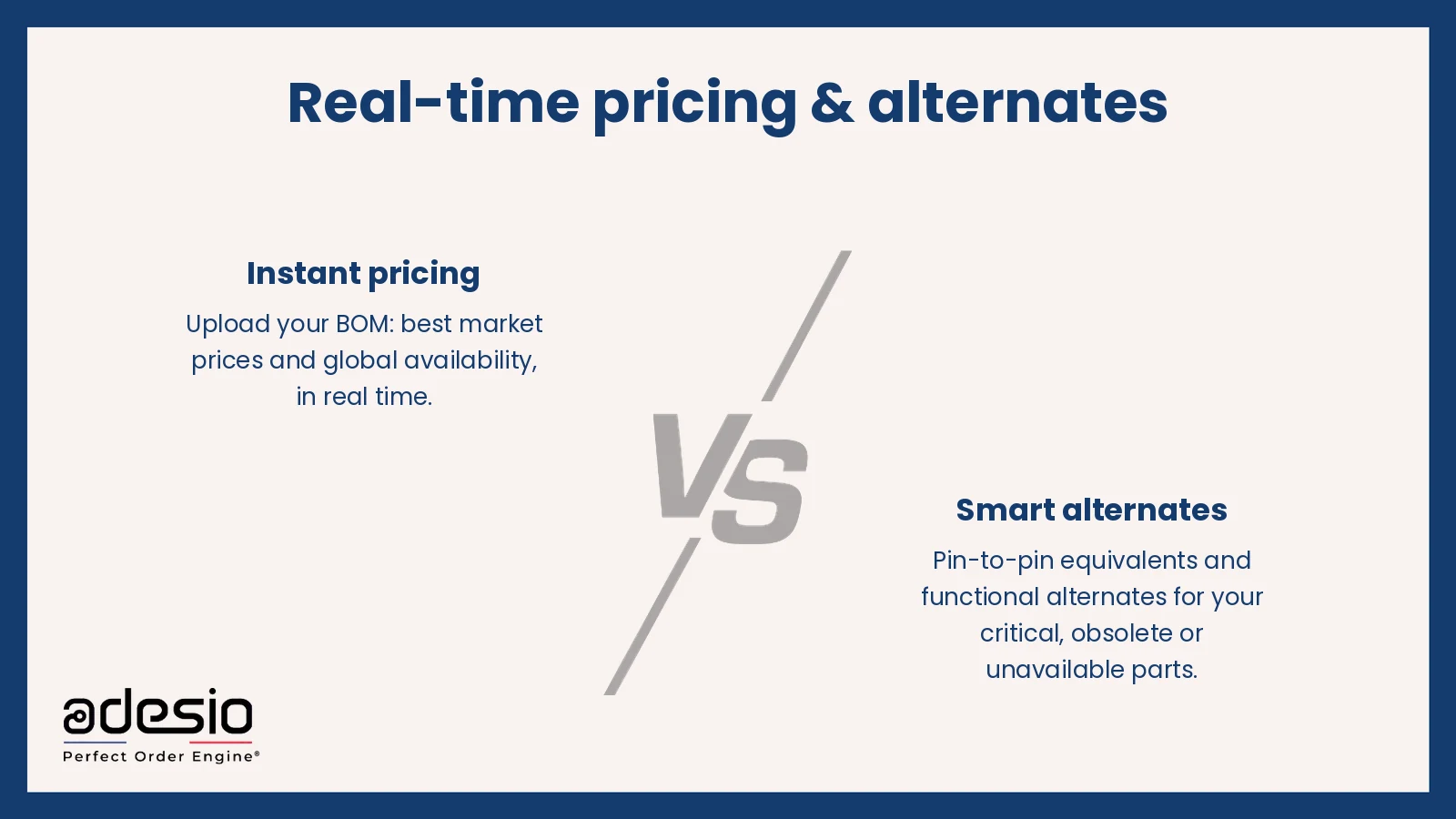
Real-Time Pricing and Alternates: SiliconExpert Synergy × The Octopar
What’s the difference between real-time pricing and alternates? See how Adesio combines both to source your BOMs faster.
- #Electronic Components
- #Component intelligence
- #Obsolescence & shortages
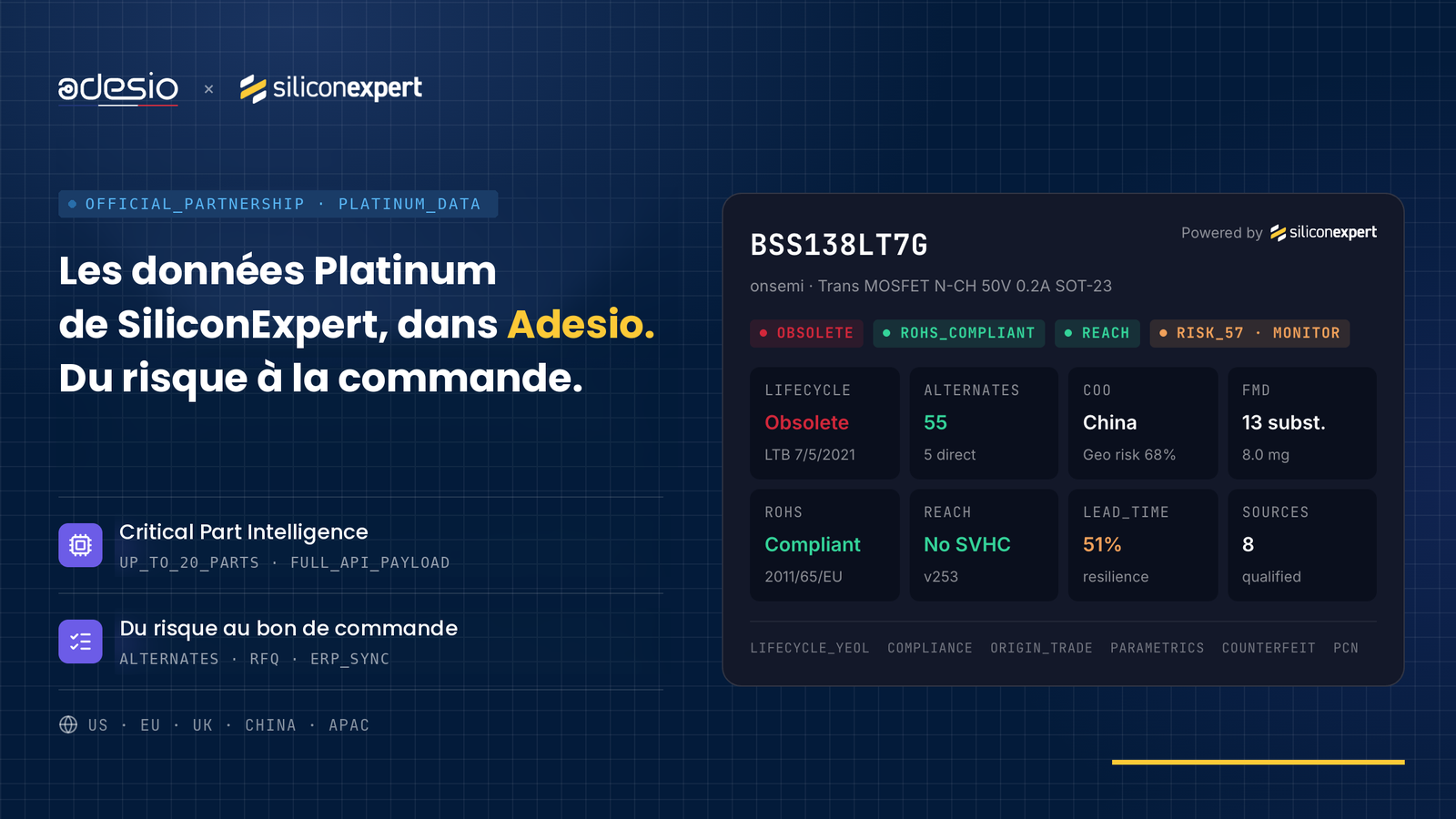
Adesio and SiliconExpert Partner to Bring Component Intelligence to Procurement Teams
Adesio partners with SiliconExpert to offer BOM risk analysis, then turn any flagged part into an order in one click, in the same engine.
- #Component intelligence
- #Obsolescence & shortages
- #Electronics Ecosystem & Partnerships
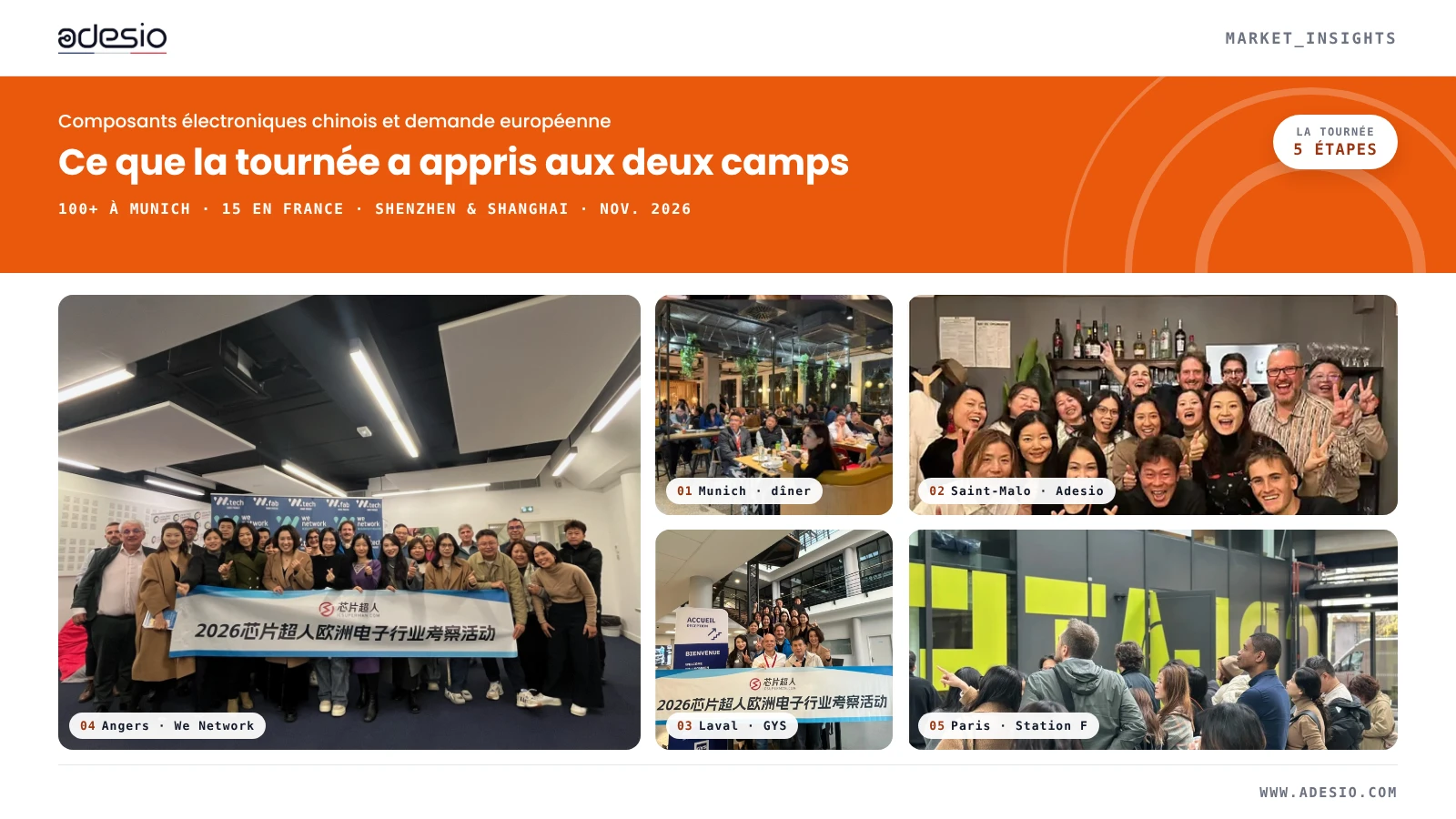
Chinese Electronic Components and European Demand: What the Delegation's Tour Taught Both Sides
Over 100 Chinese electronic component entrepreneurs attended electronica, with 15 continuing on to France alongside Adesio. The trip sparked a valuable exchange of insights between European buyers and Chinese suppliers on how each market operates and how Adesio bridges the gap between them.
- #Obsolescence & shortages
- #Electronics Ecosystem & Partnerships
- #Supply Chain Risk Mitigation