What's New in Adesio: Multi-Currency Pricing, BOM Costing à la Carte, and Smarter BOM Imports
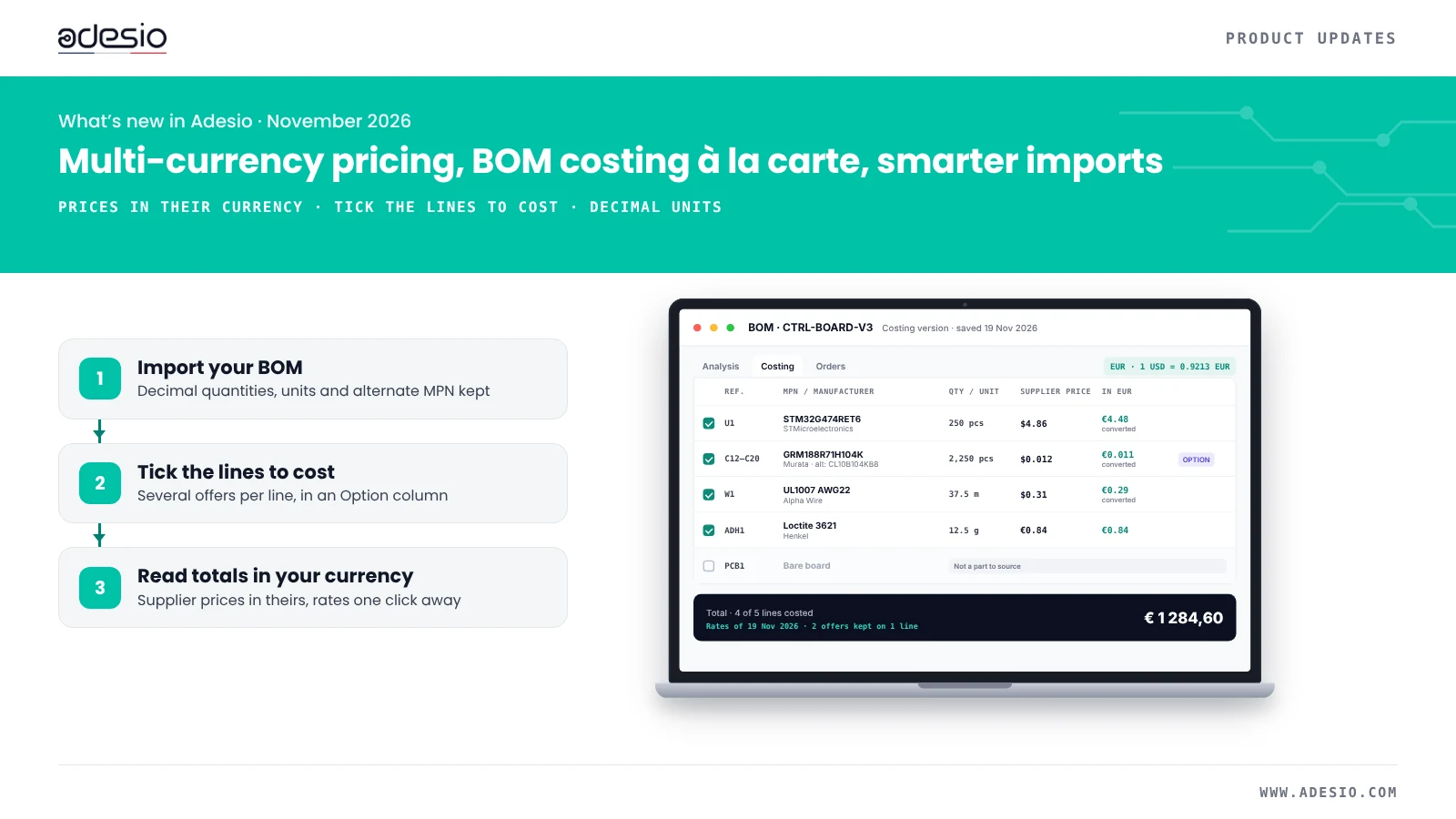
This month's update focuses on the details that make a BOM quote accurate: the currency of every price, the lines you want to cost, and the units in your files. Here's what's new.
💱 Consolidated prices and currencies
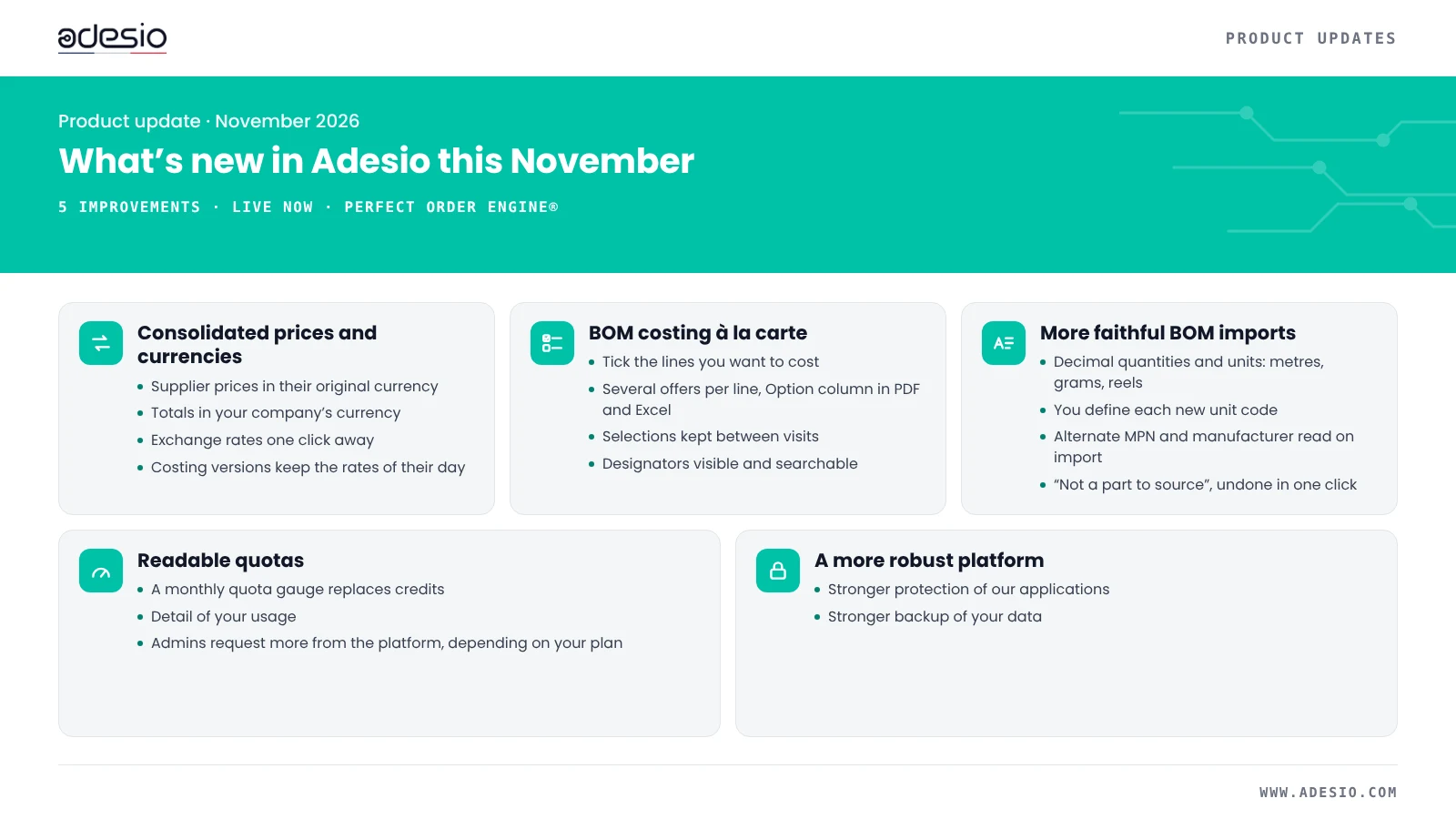
Your suppliers' prices are shown in their original currency, and all your totals in your company's currency. Converted amounts are clearly marked, with the exchange rates used just one click away. Your costing versions keep the rates of the day they were saved. Your exports and price alerts follow the same logic.
🧮 BOM costing à la carte
Tick the lines you want to cost: your totals and quote sheet only take those lines into account. You can also select several offers for the same line and find them in your PDF and Excel exports, in an Option column. Your selections are kept from one visit to the next, and reference designators are now visible and searchable in the costing tab.
📐 More faithful BOM imports
Cable by the metre, glue by the gram, components on reels: the importer keeps the decimal quantities and units from your files.
- Custom units: The first time a file uses a unit code, the importer asks you what it counts. You can find and edit these units in Settings → Company → BOM import.
- Alternate sources: The importer also reads the alternate sources in your files (alternate MPN and manufacturer), and you can designate those columns yourself in the column mapping.
- Non-part lines: A line, or a selection of lines, can be marked "Not a part to source" (a board, an operation, a part supplied by the customer) to take it out of your review, and sourced again in one click.
- Better recognition: Recognition of French descriptions and manufacturer names has also improved.
📊 Readable quotas
Credits give way to a monthly quota gauge, with the detail of your usage. Need more? A company administrator can request it directly from the Adesio, depending on your plan.
🔒 A more robust platform
We have strengthened the protection of our applications and the backup of your data.
Try it on your next BOM
All of these updates are live in Adesio today. Log in to import your next BOM, or book a demo to see them with your own files.
- #Procurement Automation
- #BOM management
- #Electronic Components
Frequently asked questions
Who can see my BOMs and prices?
Only members of your company account, according to their role permissions.
What’s the difference between real-time pricing and alternates?
Real-time pricing tells you what a part costs and where it is available. Alternates tell you which parts can replace it if it is out of stock or obsolete.
Where does Adesio get its pricing and stock data?
From two complementary sources:
- Public market data (via Octopart): standard catalog prices, public stock levels and alternates across 150+ distributors worldwide.
- Direct supplier APIs: live connections to your own distributor accounts (such as Arrow, Avnet, DigiKey, Farnell, Mouser and Texas Instruments), showing your contracted pricing, reserved stock and real lead times.
Discover the Perfect Order Engine®
See how Adesio turns your complex BOMs into purchase orders, using your own data.
Related articles
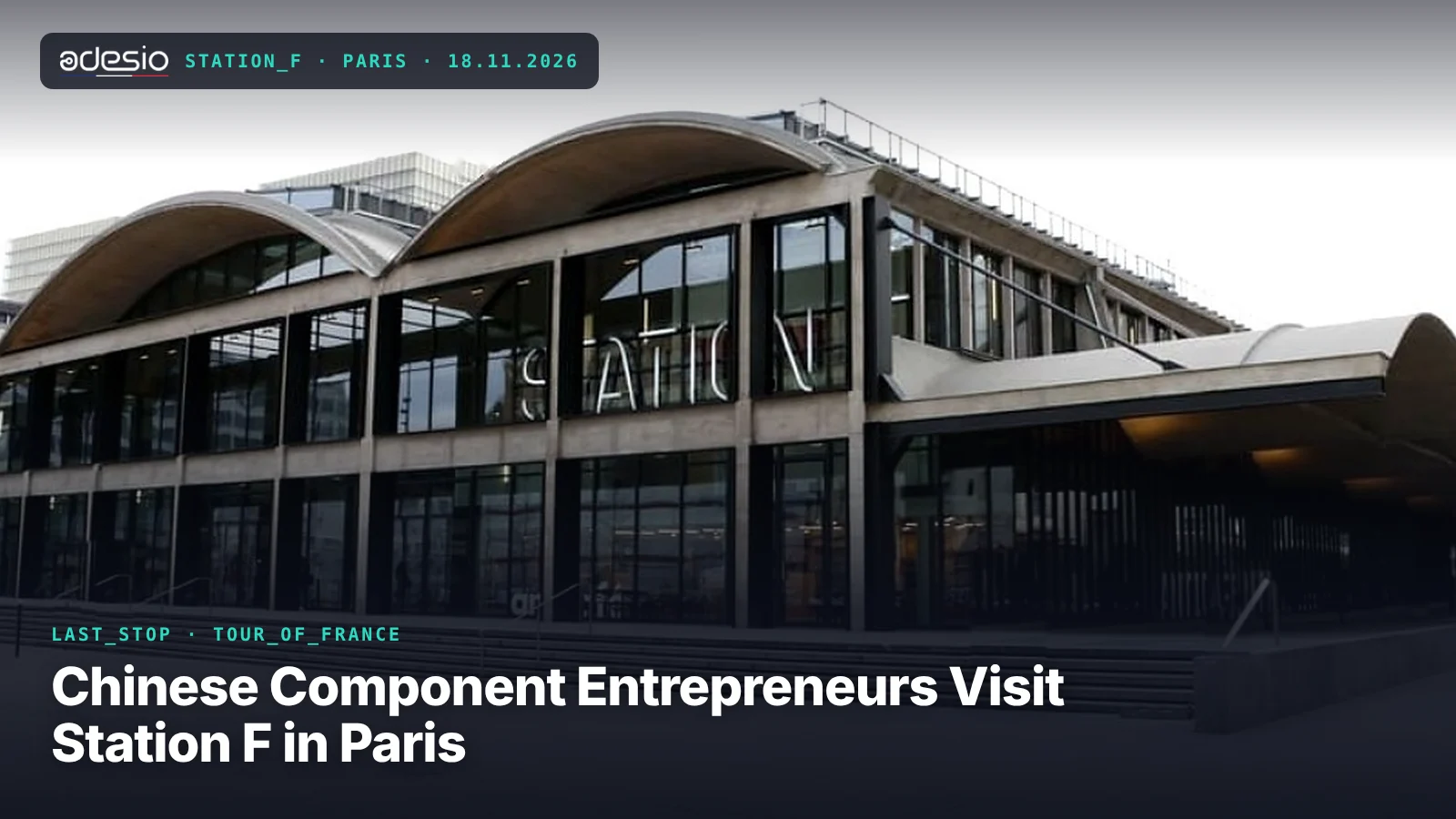
Chinese Component Entrepreneurs Visit Station F in Paris
For the last stop of their French tour, Chris Jiang and a group of Chinese entrepreneurs from the electronic component industry visited Station F in Paris with Adesio. They looked at how the world's largest start-up campus supports founders, and especially women founders.
- #Events & Trade Fairs
- #Electronic Components
- #Supply Chain Risk Mitigation
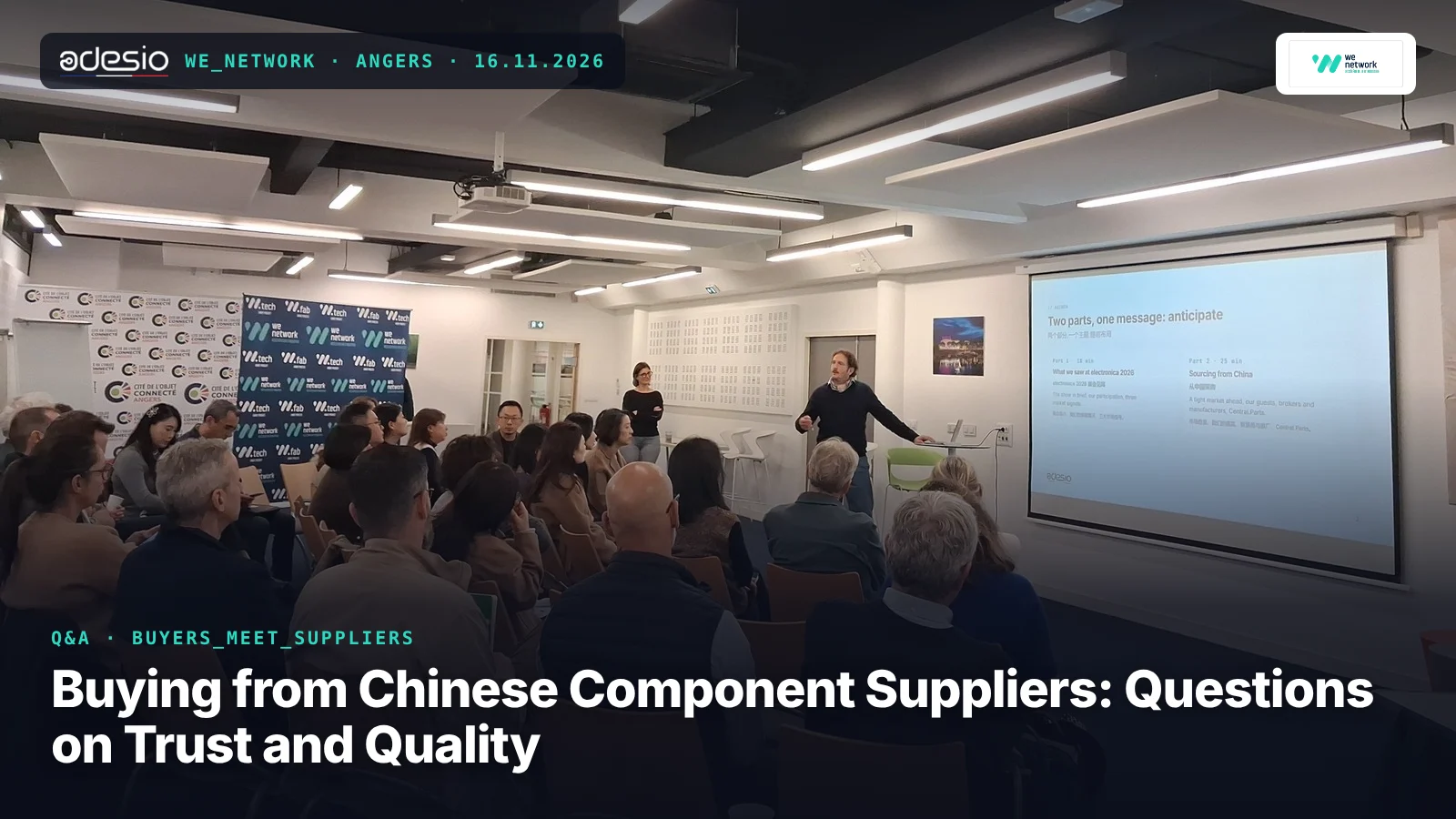
Buying from Chinese Component Suppliers: Questions on Trust and Quality
How do you know a part from a Chinese supplier is genuine, and who pays if it is not? At We Network in Angers, European buyers asked a delegation of 15 Chinese component suppliers. Here are their questions and the answers.
- #Supply Chain Risk Mitigation
- #Electronic Components
- #Obsolescence & shortages
- +1
Chinese Component Suppliers Meet French Buyers at We Network in Angers
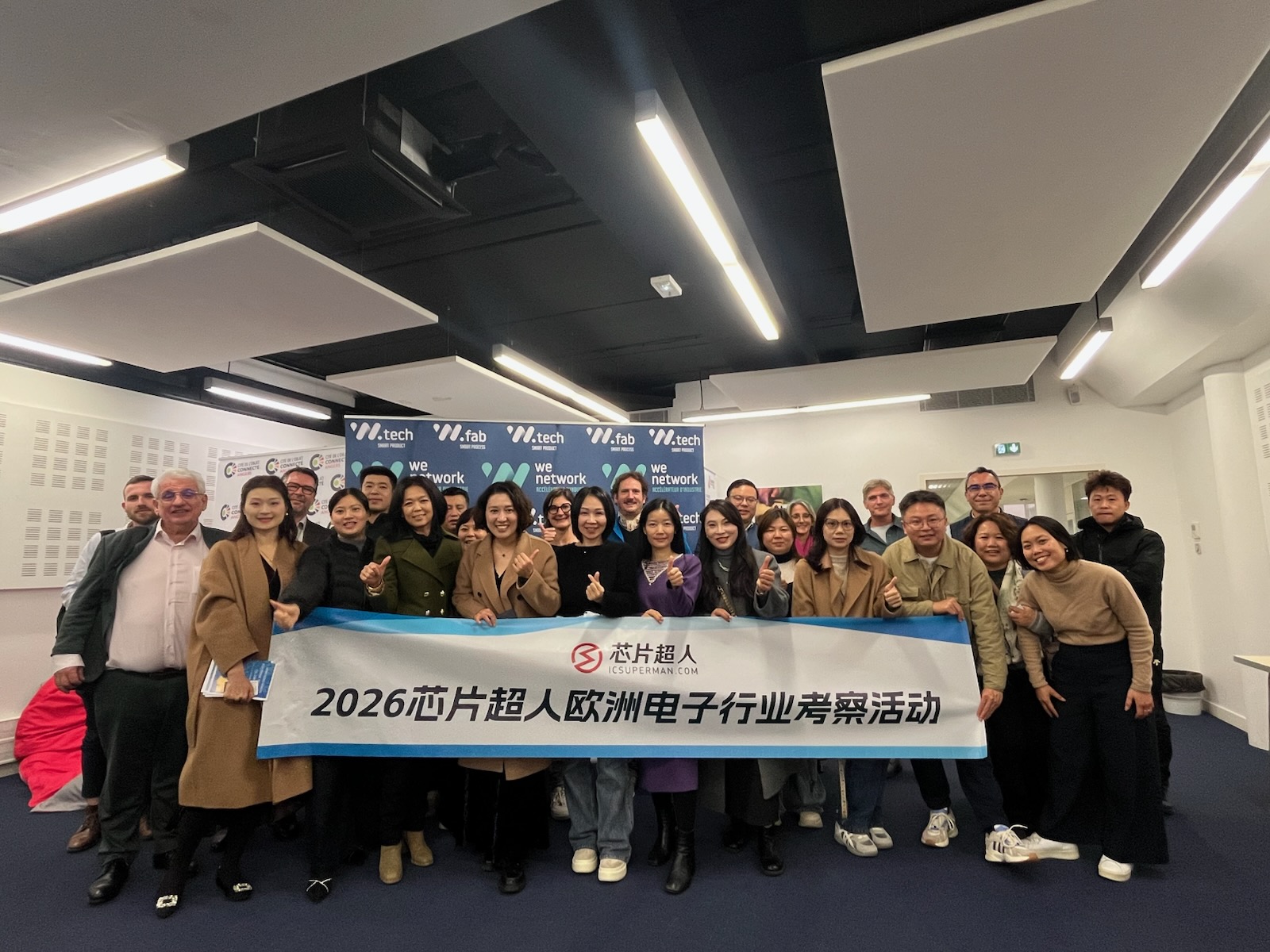
On 16 November 2026, 15 Chinese component suppliers met EMS and OEM buyers from western France at We Network in Angers: a workshop visit, Adesio's electronica debrief, the presentation of Central Parts and a frank Q&A on trust and quality.
- #Industry 4.0
- #Electronics Ecosystem & Partnerships
- #Electronic Components