How to Create Your Adesio Account
Component prices, stock levels and lifecycle data change every day, and procurement teams can’t afford to wait weeks for a new tool to be rolled out. Getting started with Adesio, the source-to-order solution behind the Perfect Order Engine®. Here’s how to create an Adesio account, step by step.
Before you start
Have these ready:
- Your work email address. Use your company address rather than a personal one: it links your account to your company and makes it easier to invite colleagues later.
- Access to that inbox, to receive your confirmation code.
Create your account in 5 steps
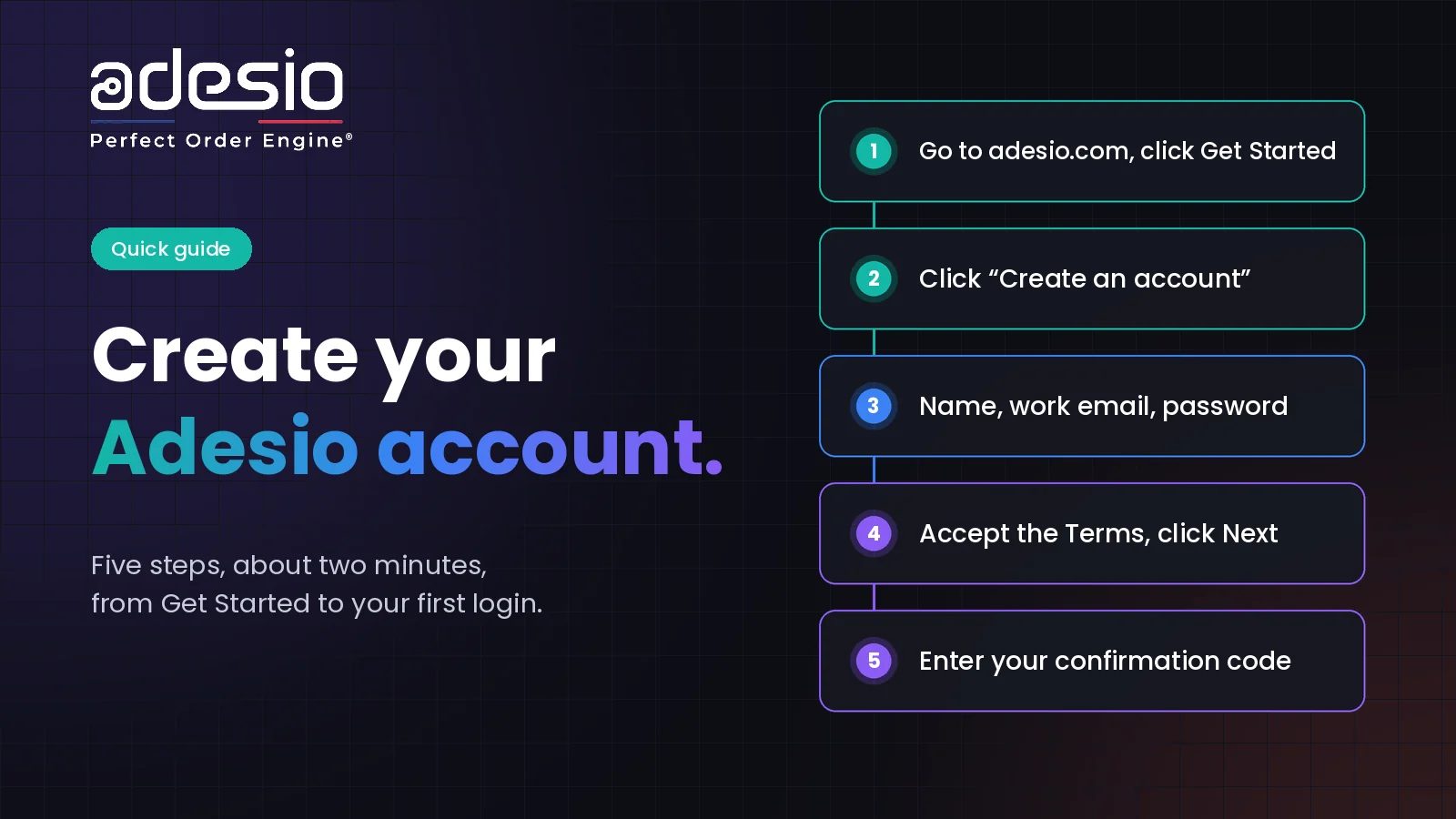
- Go to www.adesio.com and click Get Started at the top right.
- On the login screen, click Create an account.
- Enter your full name, work email address and a strong password. Choose a password you don’t use elsewhere.
- Accept the Terms of Service and click Next.
- Check your inbox for a confirmation code, then enter it on screen to verify your account.
That’s it: your Adesio account is created.
Didn’t receive the confirmation code?
- Check your spam or junk folder. Company email filters sometimes hold automated messages.
- Still nothing? Contact our support team at support@adesio.com.
What’s next: set up your company and your team
Once your account is verified, two short steps complete your setup:
- Register your company: country, billing currency and VAT number. Adesio fills in your company details automatically.
- Invite your team and choose each person’s role: Regular User, Billing Manager or Administrator.
For a full walkthrough with screenshots, see our quick account setup guide.
Start using Adesio
With your account ready, you can upload your first BOM and start automated component procurement: live prices and stock from 150+ suppliers, lifecycle and risk data on every line, and orders that sync with your ERP.
Check any part for free with Part Check, or book a demo to see the Perfect Order Engine® on your own BOM.
Adesio | support@ades.io | +33 2 59 16 05 56
- #Onboarding
- #Procurement Automation
- #EMS & OEM Solutions
Frequently asked questions
Is creating an account free?
Yes. Creating an account is completely free.
Can I sign up with a personal email address?
No. Account creation requires an email address on your company’s professional domain.
Can I add colleagues later?
Yes. Once your company is registered, you can invite colleagues at any time and assign each one a role.
Discover the Perfect Order Engine®
See how Adesio turns your complex BOMs into purchase orders, using your own data.
Related articles
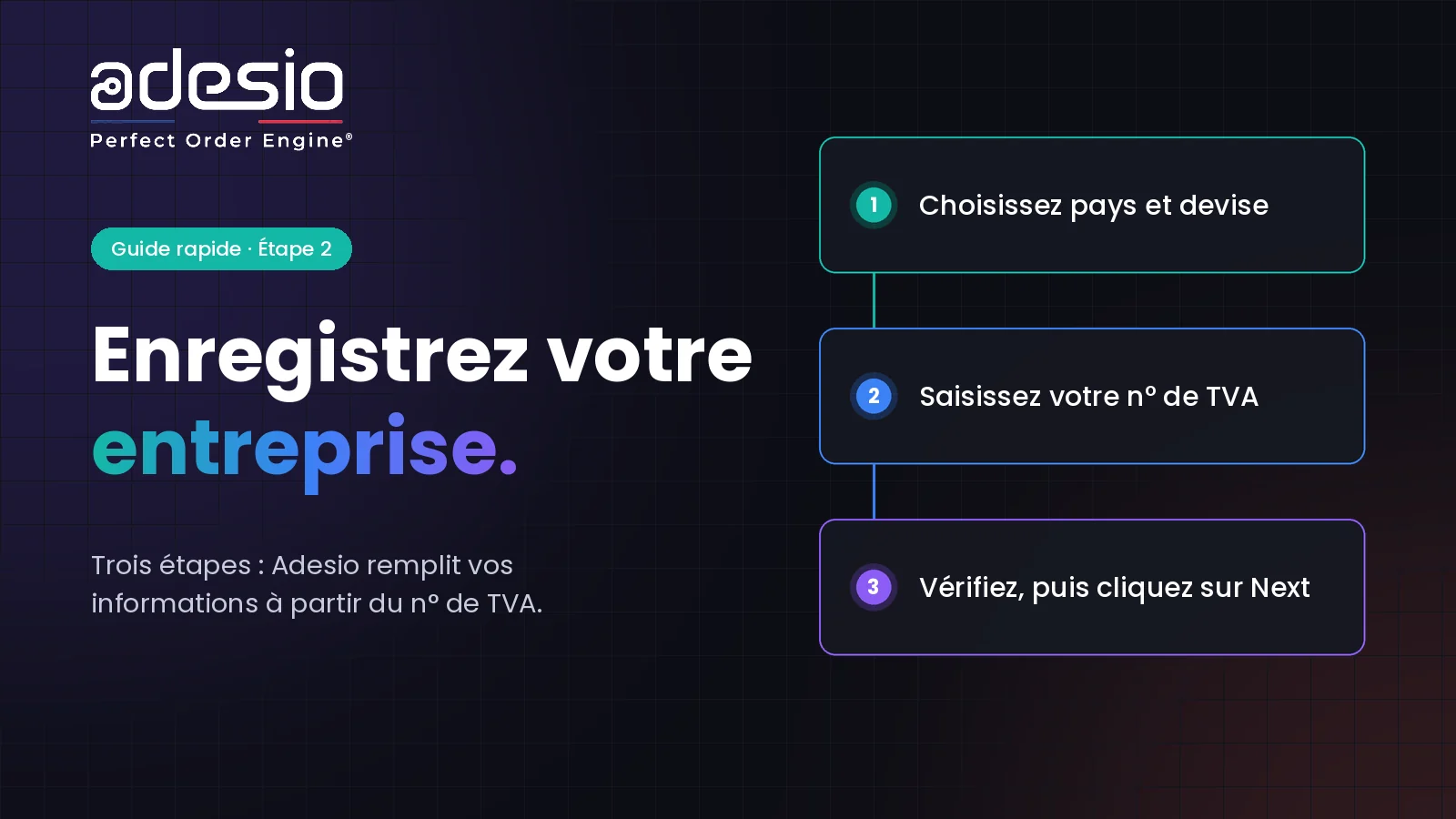
How to Register Your Company Profile in Adesio
Register your company in Adesio in three steps: country and currency, VAT number with automatic company details, then a quick check before saving.
- #Onboarding
- #Procurement Automation
- #Suppliers & ERP Integration
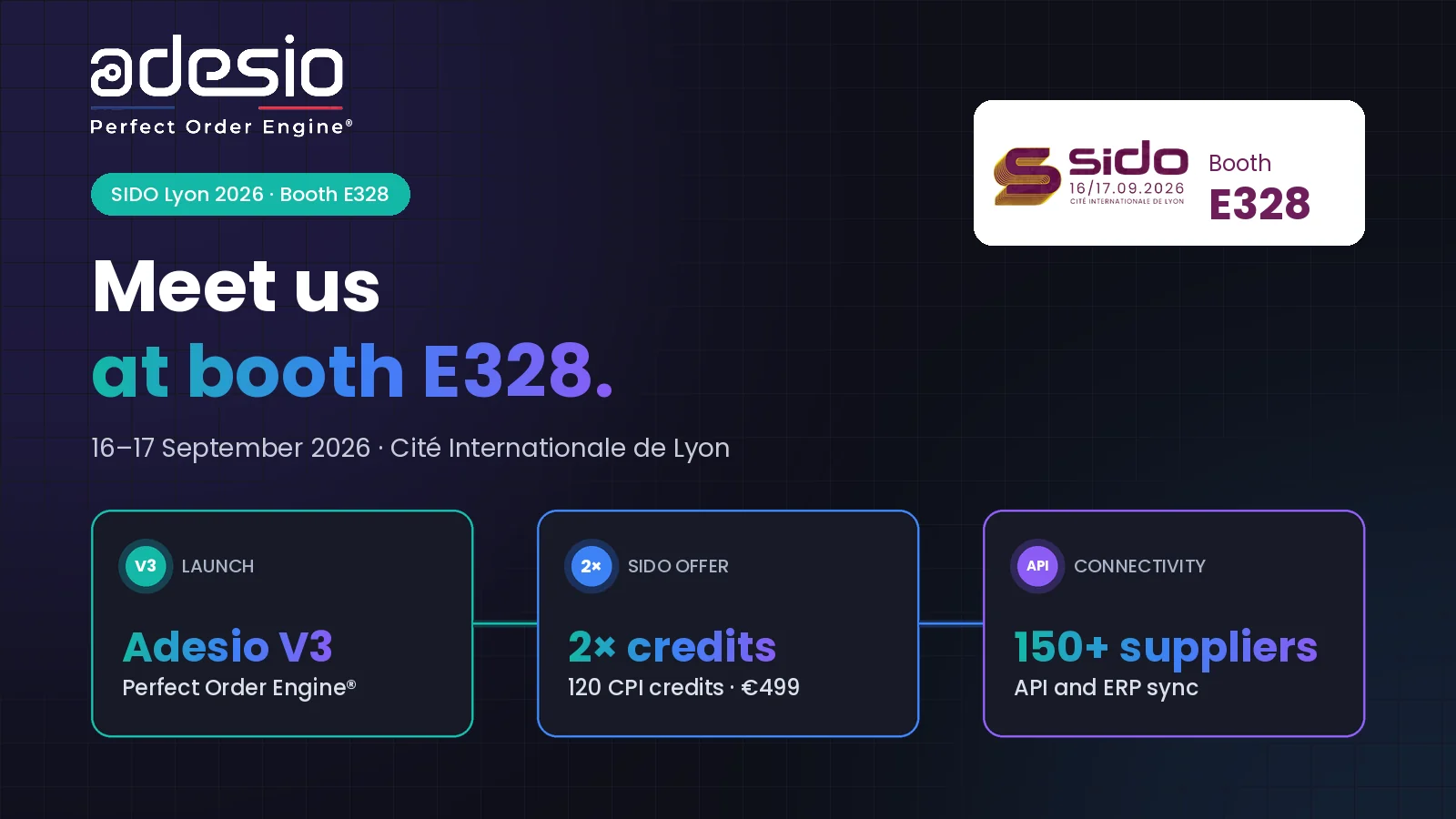
SIDO Lyon 2026: Plan Your Visit to the Adesio Booth
On 16–17 September, meet Adesio at SIDO Lyon 2026, booth E328: the Adesio V3 launch, a 2× SiliconExpert credits offer, and a live demo of your suppliers connected to your ERP.
- #Events & Trade Fairs
- #Procurement Automation
- #EMS & OEM Solutions
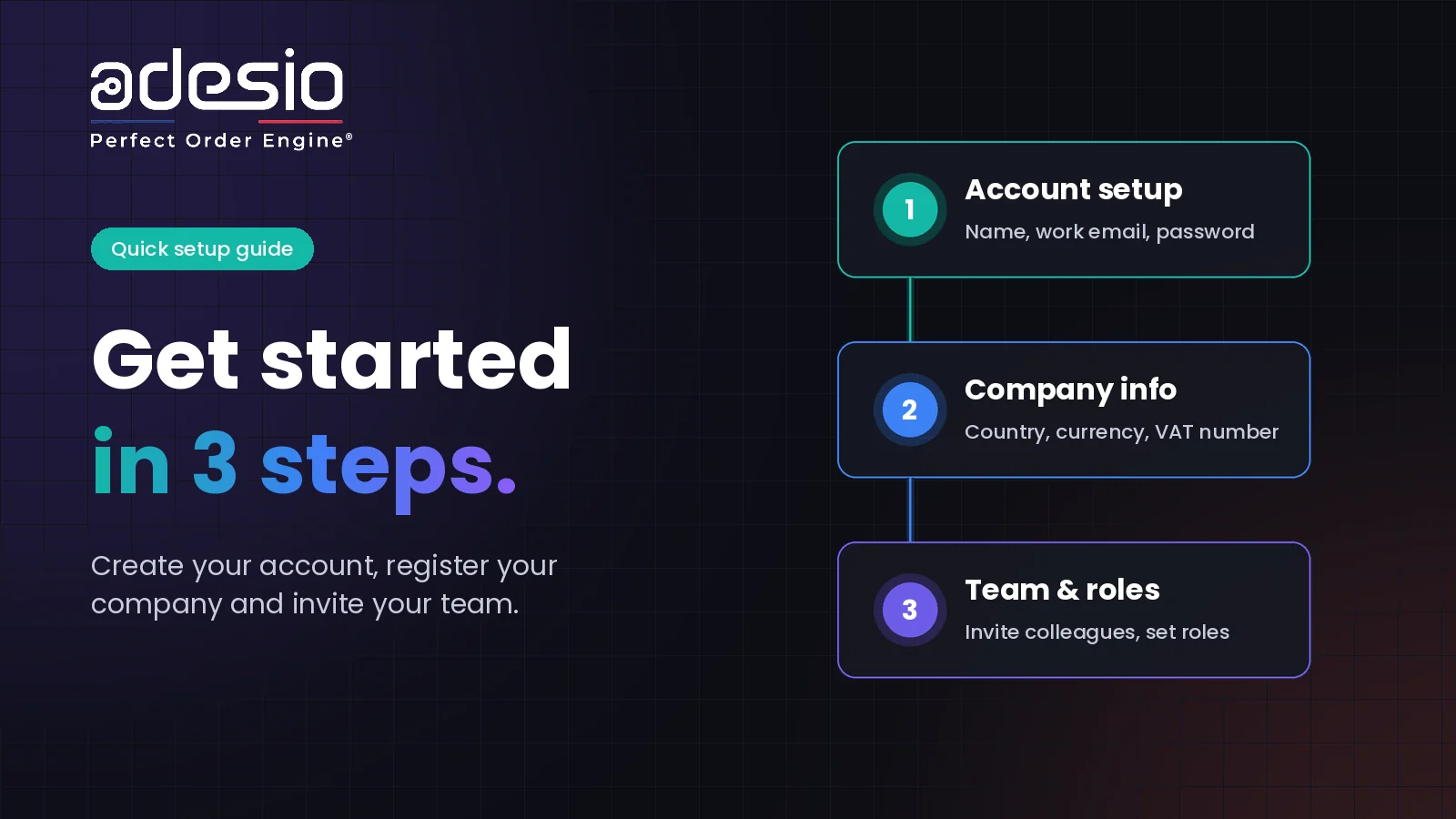
Getting Started with Adesio: Quick Account Setup
Set up your Adesio account, how to register your company, and invite your team step-by-step.
- #Onboarding
- #Procurement Automation
- #Suppliers & ERP Integration